Chat Image Generator App Alternatives Login Sign Up
Avg gen · 6 sec

Draw her face the way you imagine it.

Juicy Chat AI Safe is the image generator built into the AI Juicy Chat. Build her face, hold it consistent across generations, opt into mature mode if and when you want. Six seconds per image, 4K on premium.
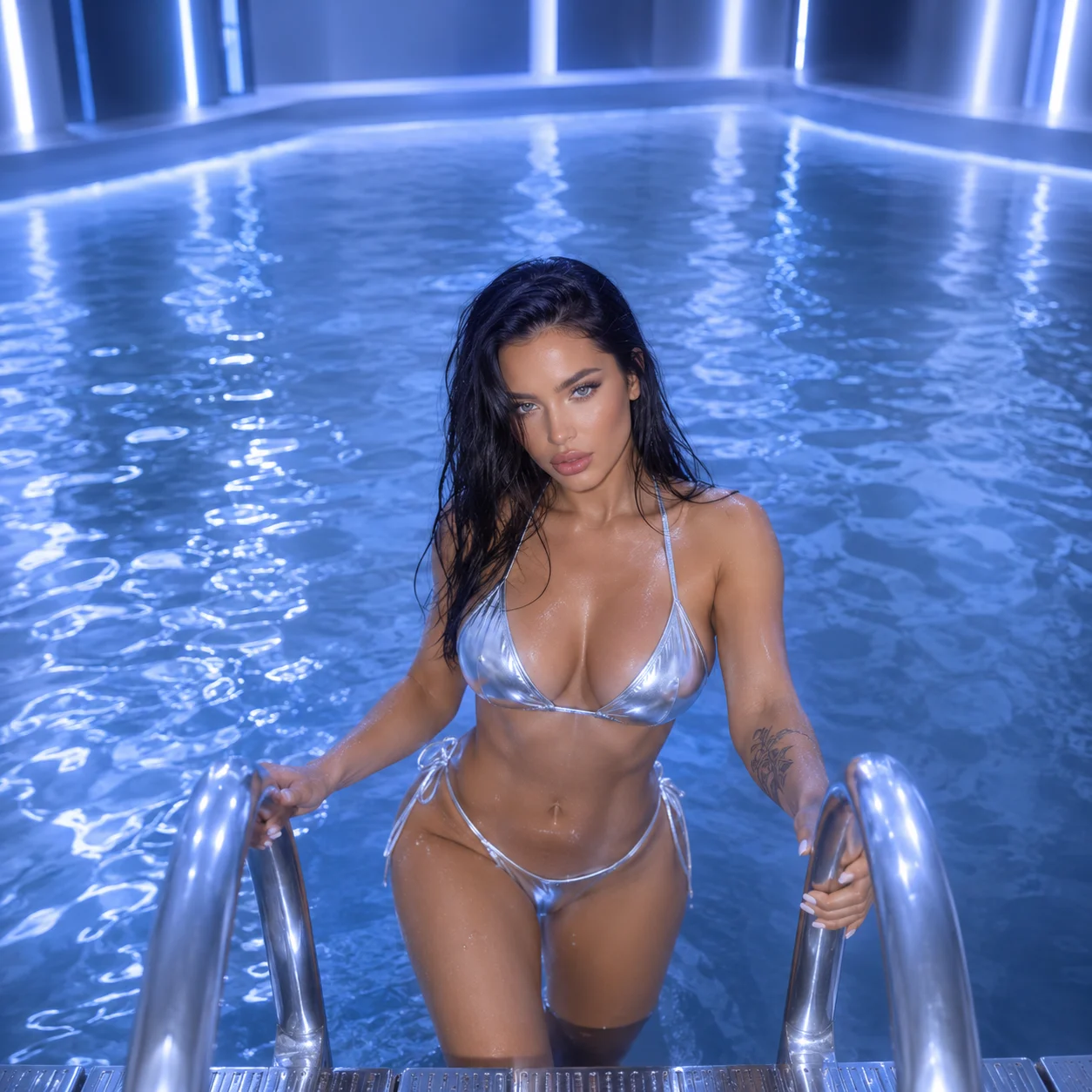
Generated 47,392 today
AI Juicy Chat Safe image generator output sample
6 sec
gen speed
4K
output res
12+
style presets
50/day
free tier
How it works

AI Juicy Chat Safe, built for adults

One

Safe by default, mature by opt-in

Juicy Chat AI Safe mode is the default — clean portraits, casual scenes, no surprises. Mature mode is gated behind age verification and opt-in per character. You're never pushed into output you didn't ask for.

The AI Juicy Chat image generator is built around the idea that defaults should be calm. Most users stay in safe mode entirely; the option is there if you want it, not in your face if you don't.
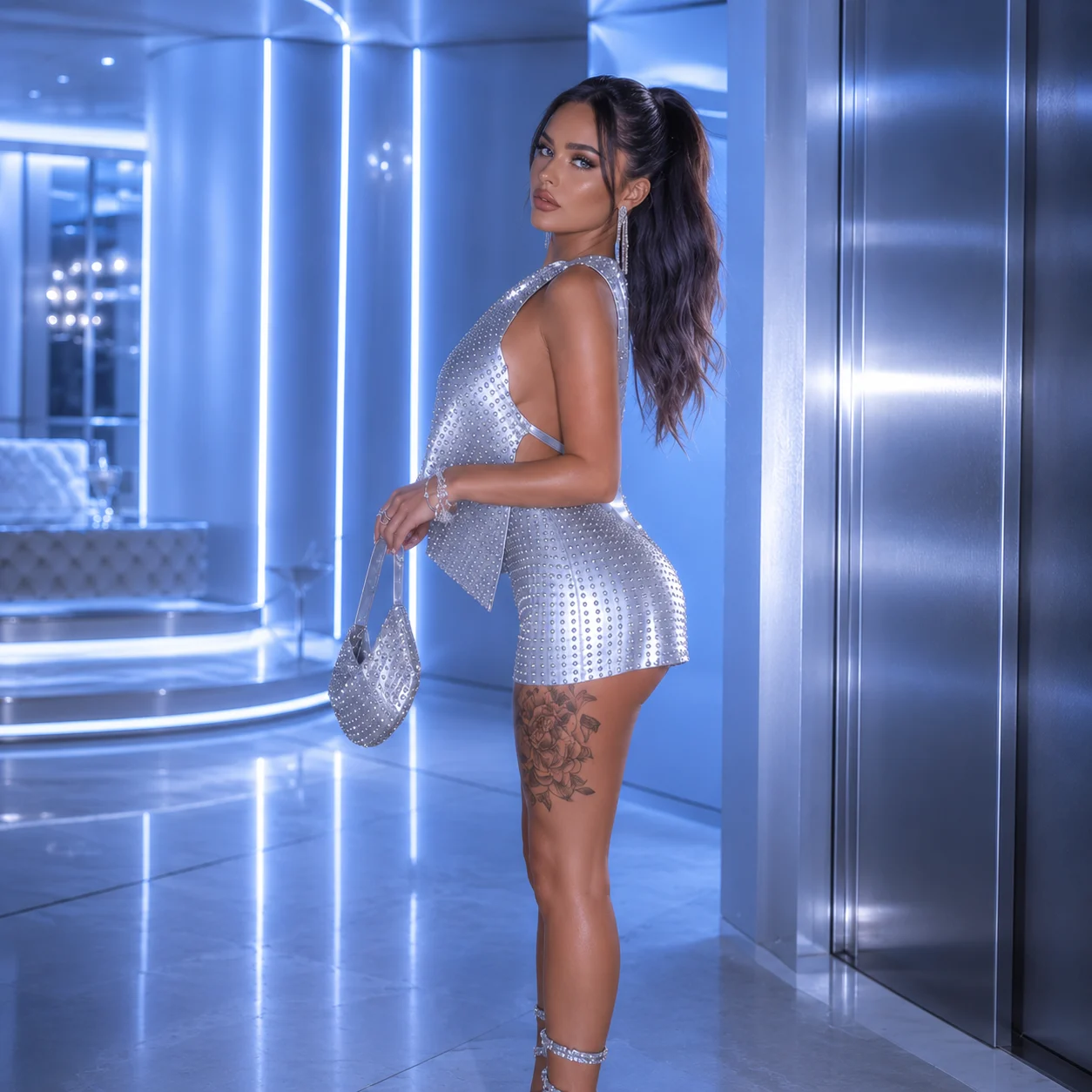
Juicy Chat AI Safe image generator default settings
Two

Faces that stay consistent

Once you've generated a character you like, the AI Juicy Chat stores a style reference. Future images keep the same face and aesthetic — outfits and lighting change naturally, but the core identity holds across dozens of generations.

This is the feature that makes the generator usable for ongoing roleplay. The Juicy Chat AI Safe pipeline doesn't reset every time. Your companion looks like herself, image after image.
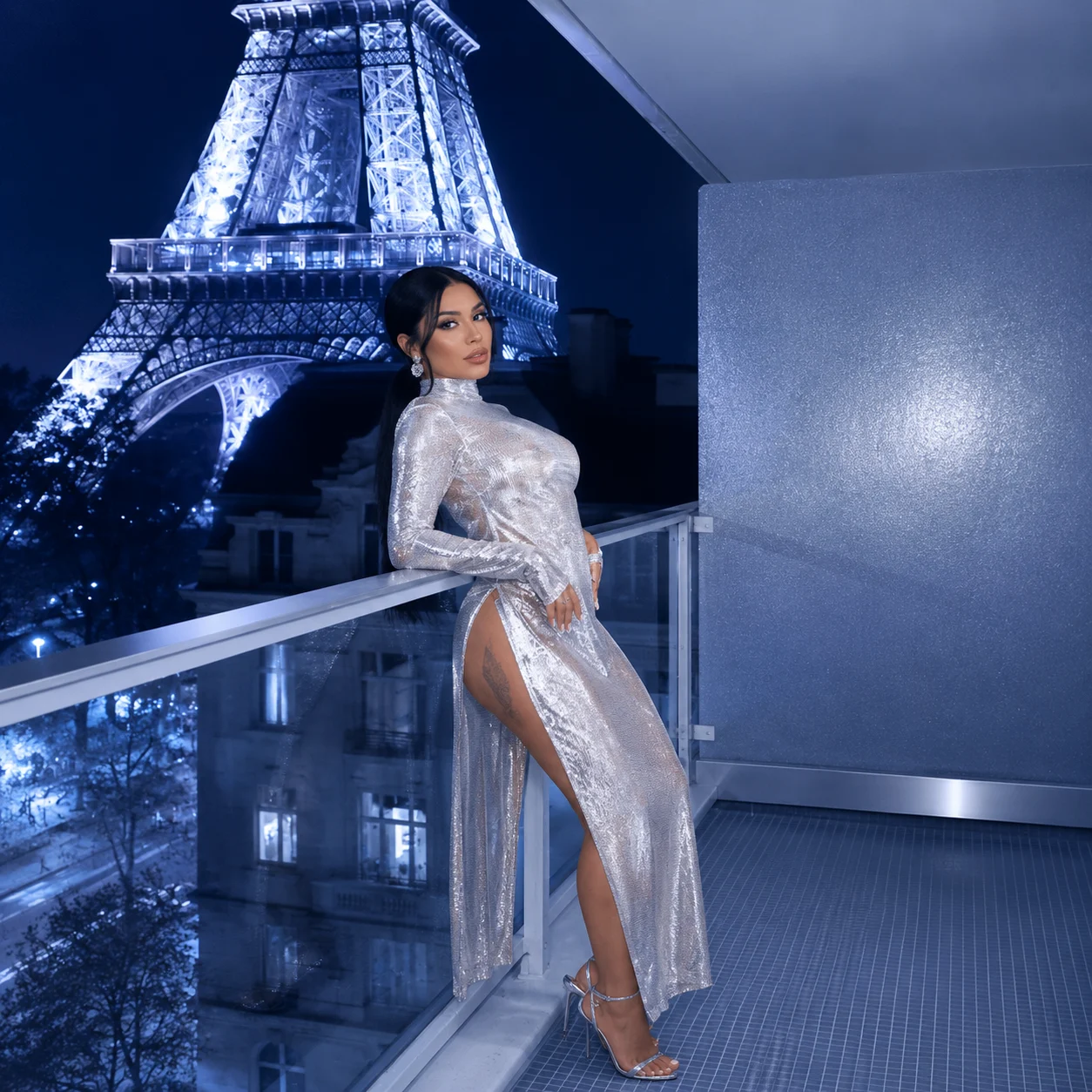
Consistent character face across multiple generations
Three

Six seconds, 4K-ready

Standard generations take about six seconds. High-resolution exports up to 15. Premium users get 4K output and priority queues; the free tier delivers solid 1024×1024 with a small watermark.

The AI Juicy Chat Safe generator is tuned for speed without giving up on detail. Hands, faces, lighting — the parts that usually look off in cheap generators — come out clean most of the time, and regeneration fixes the rest.
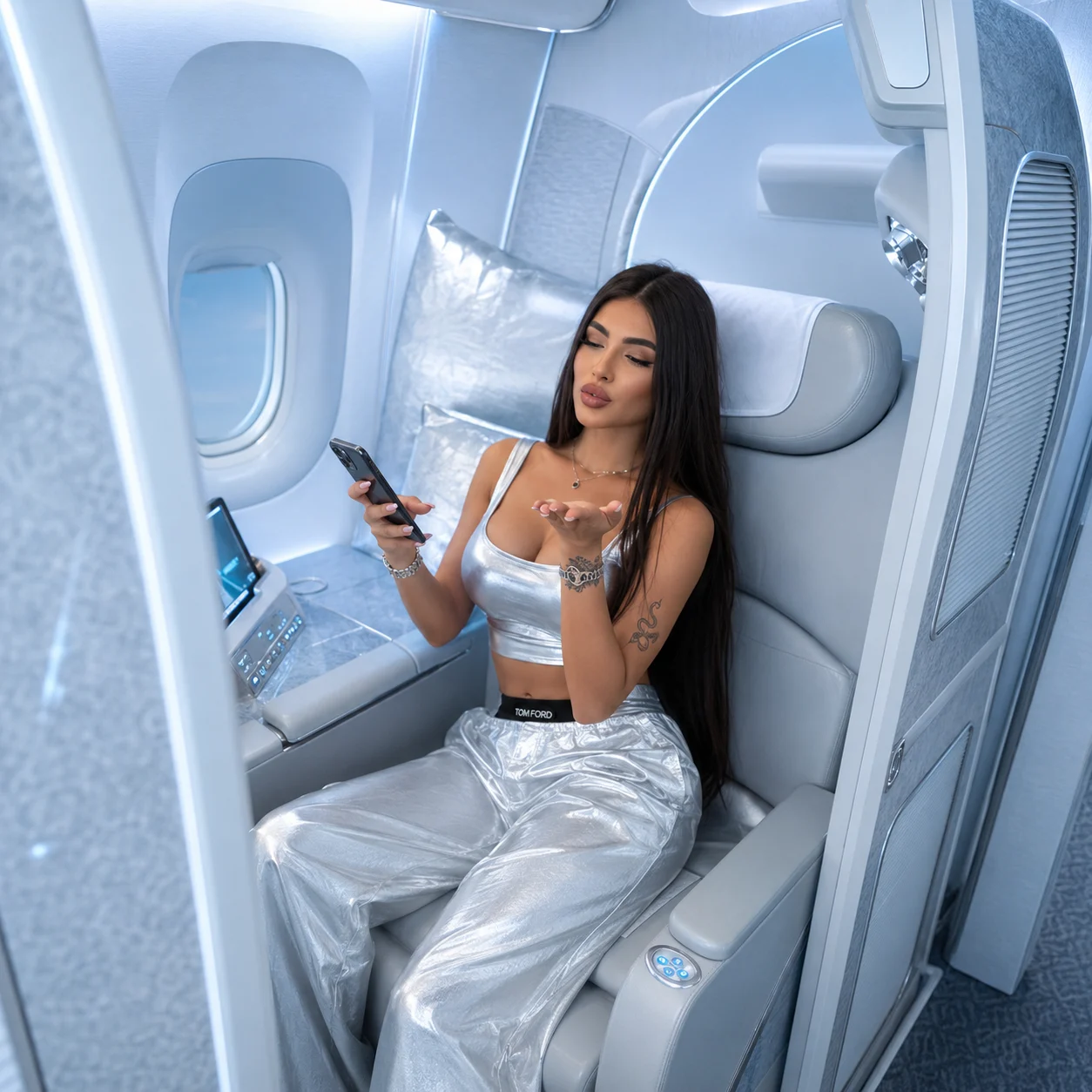
High-resolution 4K AI generation result
From prompt to image

Three steps, six seconds

01

Describe

Type the scene, the outfit, the lighting. The Juicy Chat AI Safe parser picks up the parts that matter and asks you for missing detail.

02

Generate

Six seconds for standard, fifteen for 4K. Free tier gets the same model — premium just gets faster lanes and bigger output.

03

Save or regenerate

Like the result? Download. Don't? Regenerate with one tap. Tweak the prompt, keep the seed, see how small changes shift the image.

From real users

It looks like her, image after image

★★★★★

First image looked like a stock photo. Tweaked the prompt twice and got something I'd actually save. The slider for tone makes a real difference.

Samira H. — Edmonton, AB

★★★★★

Used it to mock up a character before chatting with her. Felt weirdly grounding — like meeting someone you'd only described.

Carter W. — Halifax, NS

★★★★★

The safe-mode default is solid. Doesn't push you anywhere you didn't ask to go, which I appreciated more than I expected.

Léa D. — Sherbrooke, QC

Try the image generator free

Daily generation allowance, no credit card. Generate her face the way you imagine it.

10:00
Start Generating
People also ask

About the AI Juicy Chat image generator

Portraits and full-body shots of your AI companion in various moods, outfits, and settings. The generator handles realistic, anime, and stylized art directions. Default settings keep results safe-for-work; mature options unlock for verified adult accounts. Output is 4K-capable on premium plans.
Around six seconds for a standard image, up to fifteen for high-resolution or complex prompts. Queue times are minimal off-peak; expect a small wait during evenings and weekends. Free accounts get a daily image allowance; premium accounts get faster lanes and unlimited generation.
Yes. The default mode is fully safe-for-work — portraits, scenes, and casual settings only. Mature mode is opt-in, gated by age verification, and respects per-character flags. You can also disable mature mode globally in settings if you prefer to keep the generator strictly safe-for-work for the whole account.
Reference uploads are limited to art styles and outfits, not faces. The platform doesn't allow real-person likeness generation to protect privacy and avoid impersonation. You can describe features in detail through the prompt, and the generator will produce a unique character that matches your description.
Once you've generated a character you like, the system stores a style reference so future images keep the same face, body, and aesthetic. Small variations are normal — outfits, lighting, expressions change naturally — but the core identity holds. This makes it work for ongoing roleplay where consistency matters.
Yes. Every generated image has a download button — JPG for previews, PNG for full quality. Saved images appear in your gallery, organized by character. Premium accounts can export to high-resolution and clear watermark; free accounts get a small watermark in the corner.
You own the right to use images you generate for personal purposes. Commercial use requires a paid plan that grants commercial licensing. The platform retains the right to use anonymized prompts to improve the model, but specific images are not republished without permission.
Use the regenerate button to get a new attempt with the same prompt, or edit the prompt to clarify. Common fixes: add detail to the description ("hands holding a coffee cup" instead of just "hands"), specify lighting, or pick a different style preset. Most distortion issues resolve in one or two regenerations.

Make her look like her

Open the generator. The first image is six seconds away.

Open Generator
70% off Premium — unlock 4K and unlimited generations 10:00 Claim it